Mounting Plate
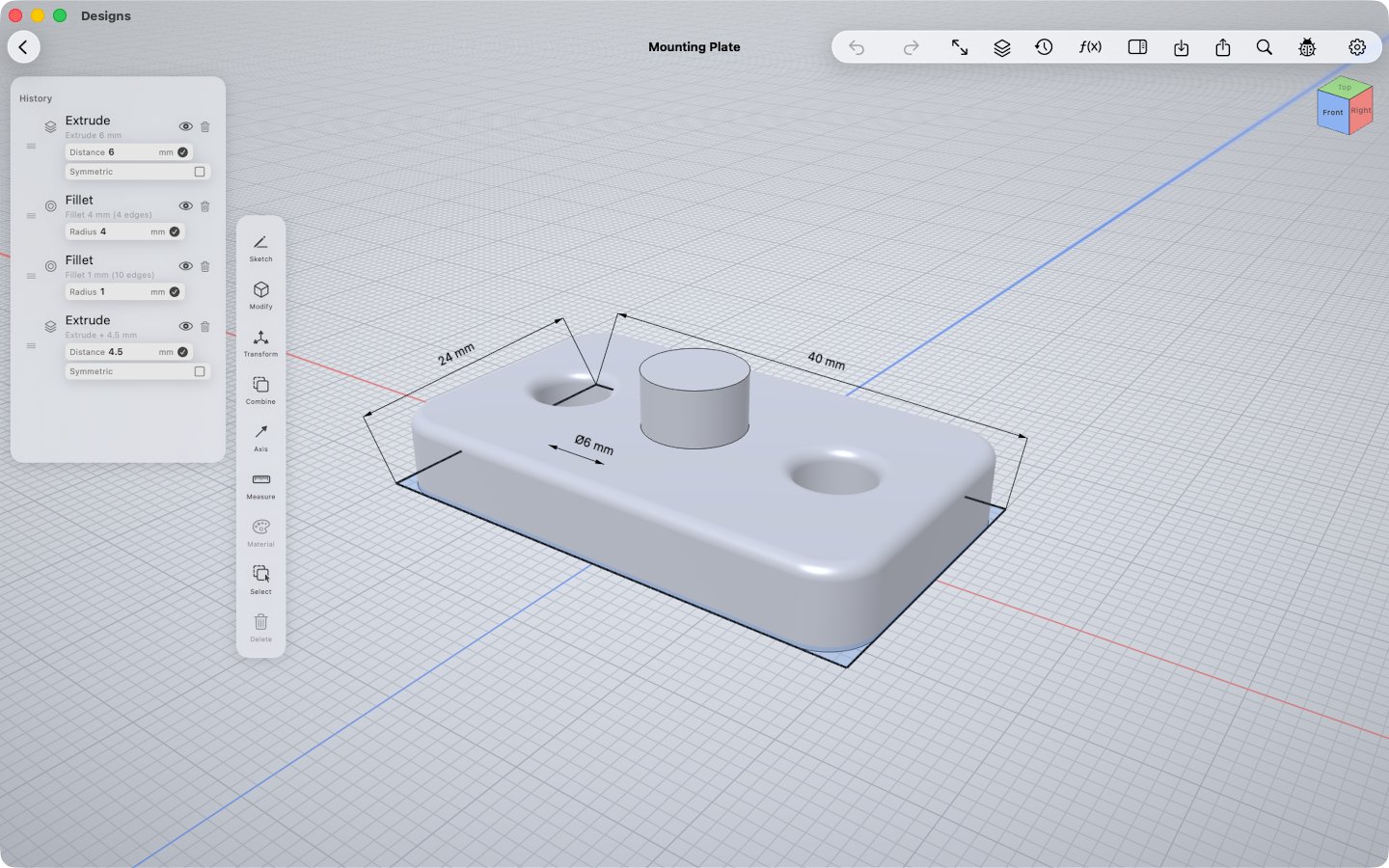
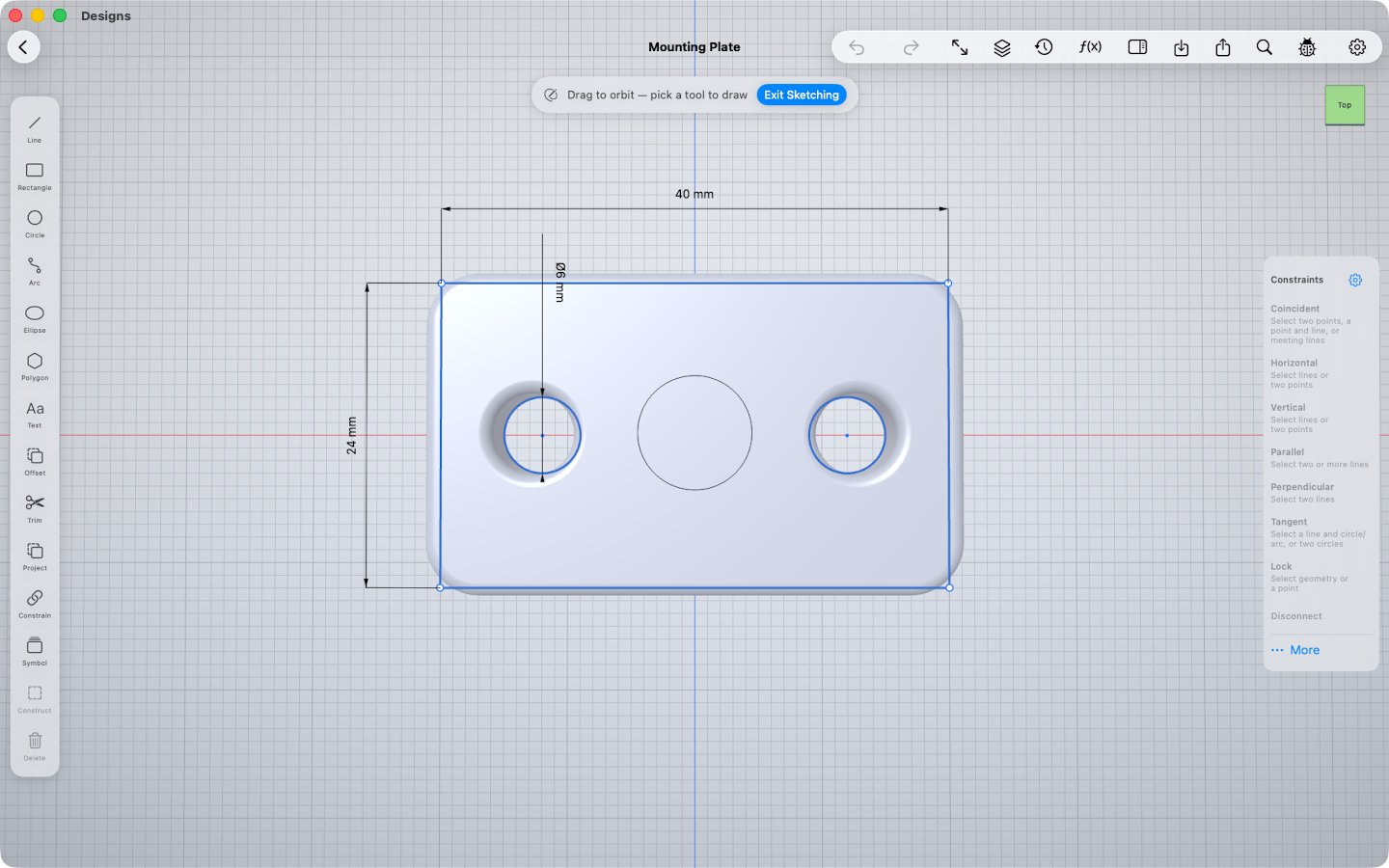
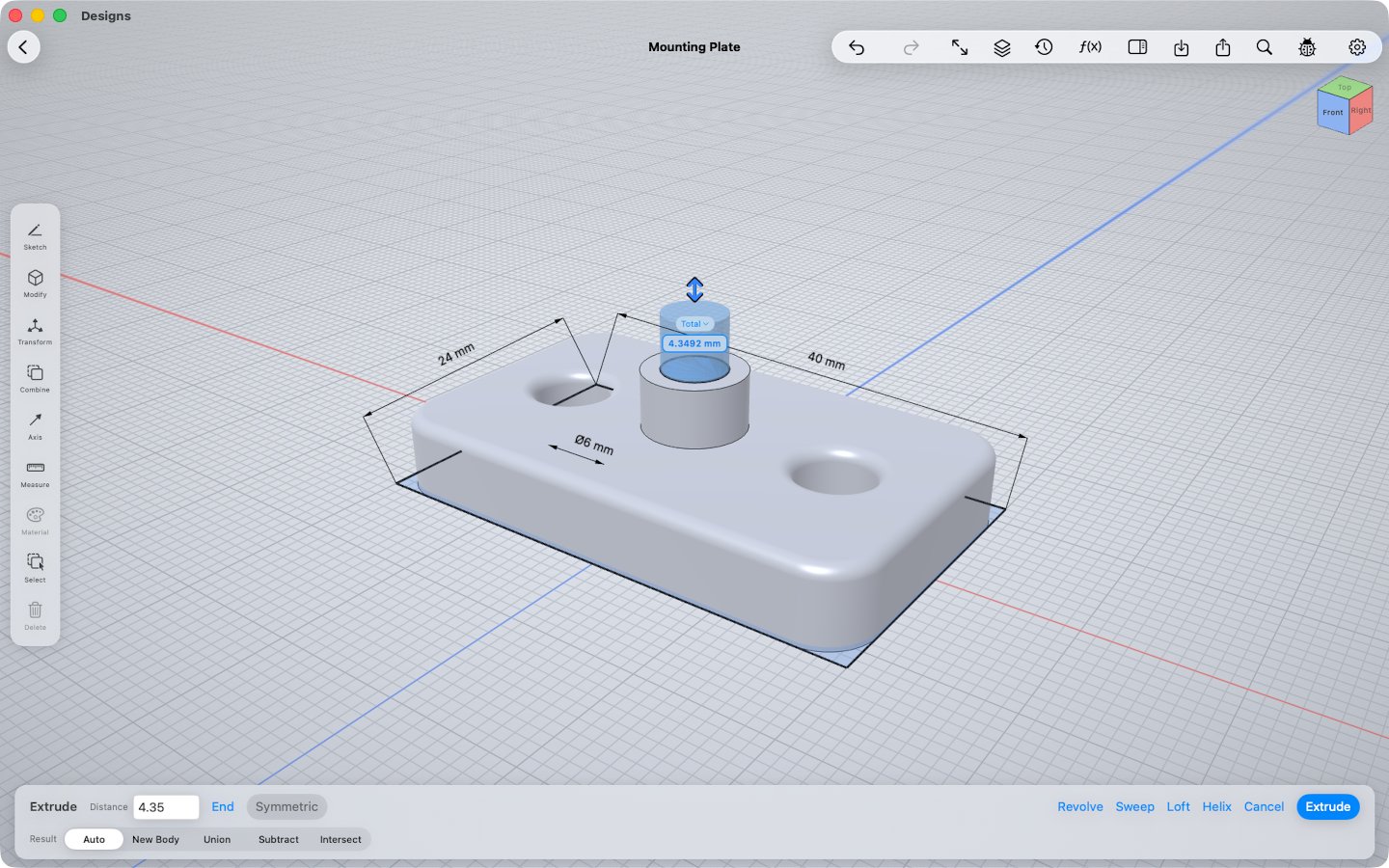
40 × 24 × 10.5 mmA small bracket with two through-holes, a raised boss and rounded edges. The classic first part — and a quick, clean print.
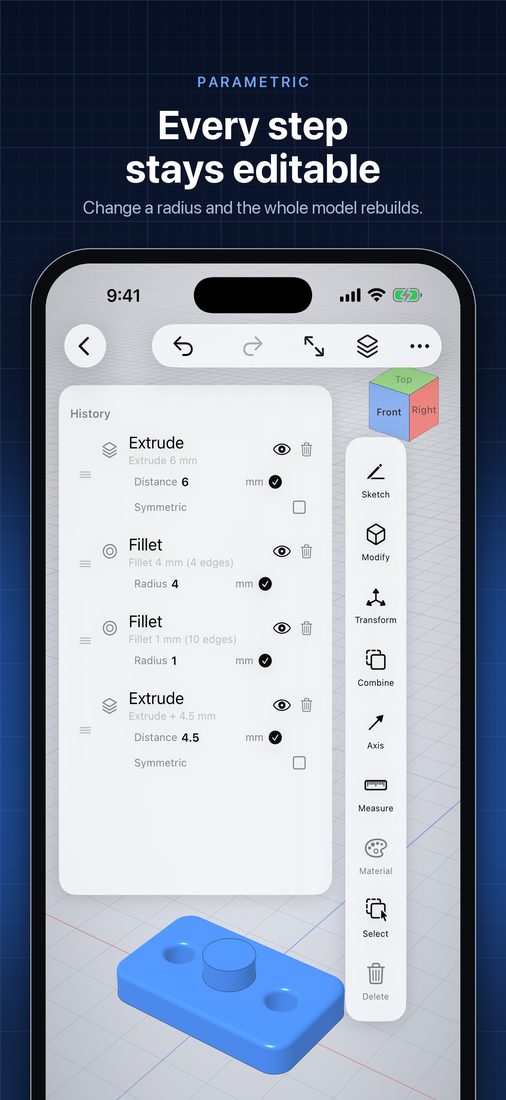
- Extrude
- Fillet
- Fillet
- Extrude + union
OpenShape3D is a direct-modeling CAD app for iPad, iPhone and Mac. Sketch on any face, push and pull faces into exact solids, fillet edges with a fingertip — powered by the OpenCASCADE geometry kernel and a custom Metal renderer.
Free on the App Store · No account · Source on GitHub
No iPad or Mac handy? Try it in your browser
The sketch–extrude–modify workflow you know from desktop CAD, rebuilt from scratch for touch.
Sketch
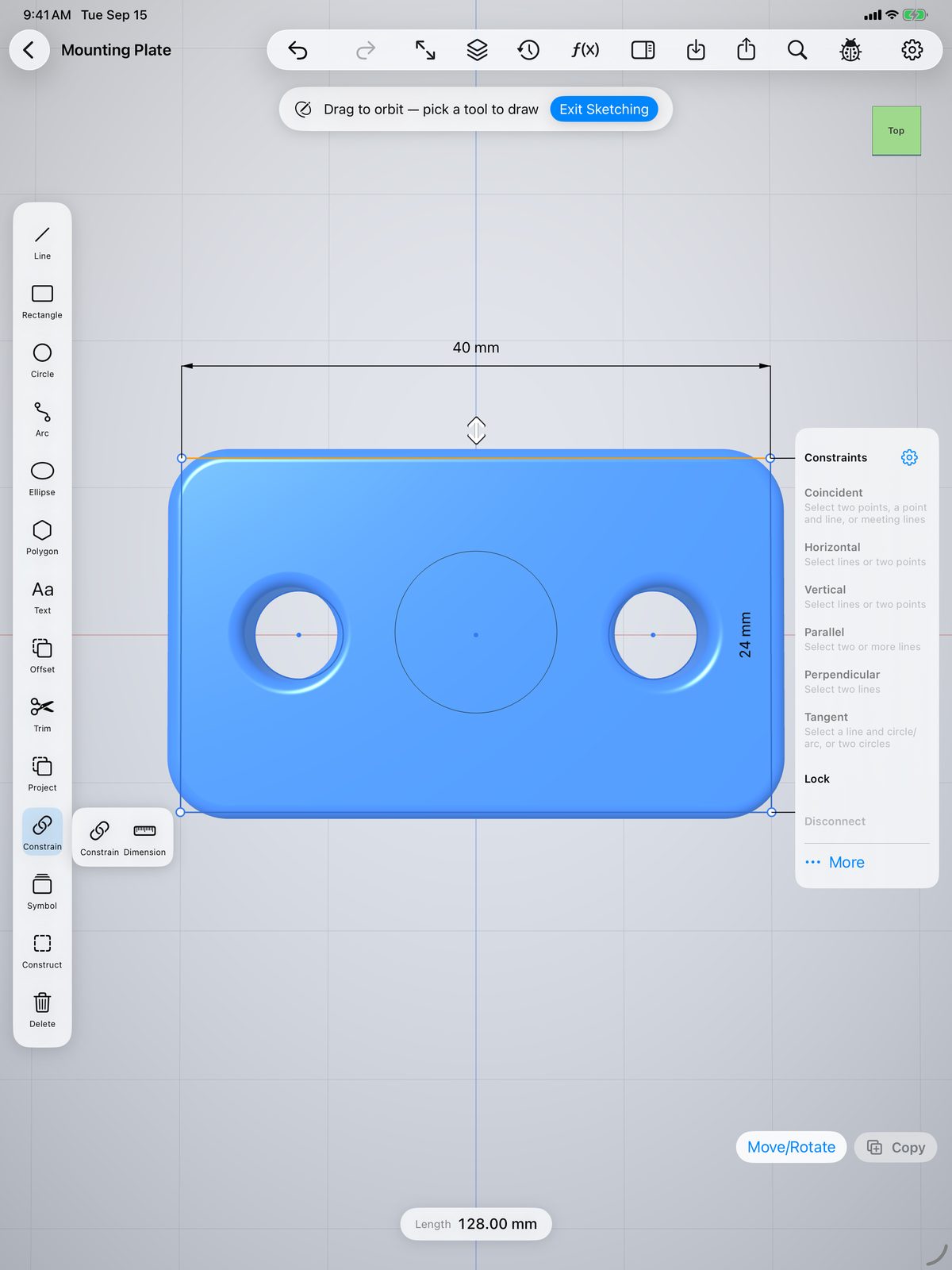
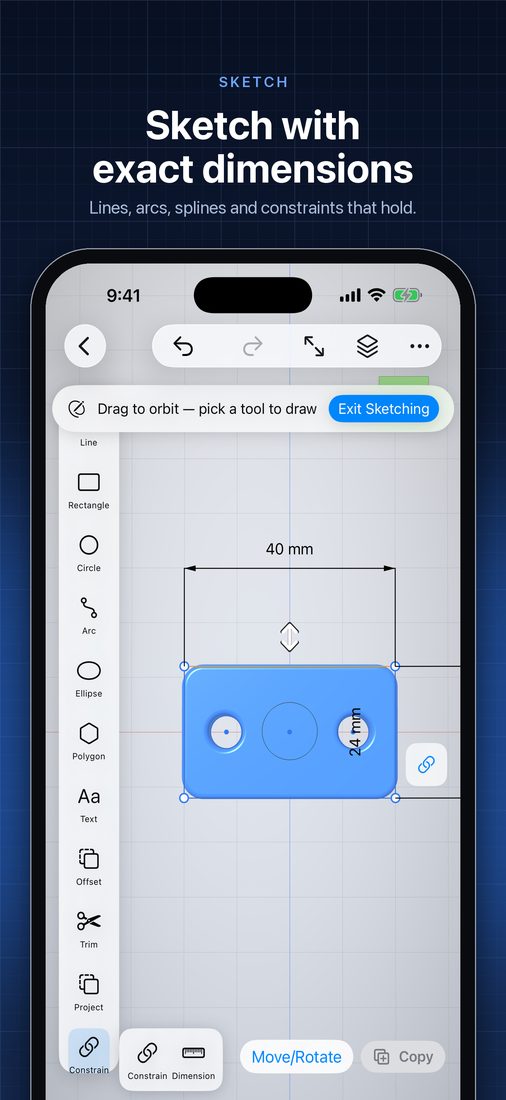
Pick a world plane, tap any flat face, or pull an offset plane off the model. Lines, arcs, splines, polygons and text, with snapping and Apple Pencil — then type a dimension (inline math works: 25.4/2) and a real constraint solver holds it.
Model
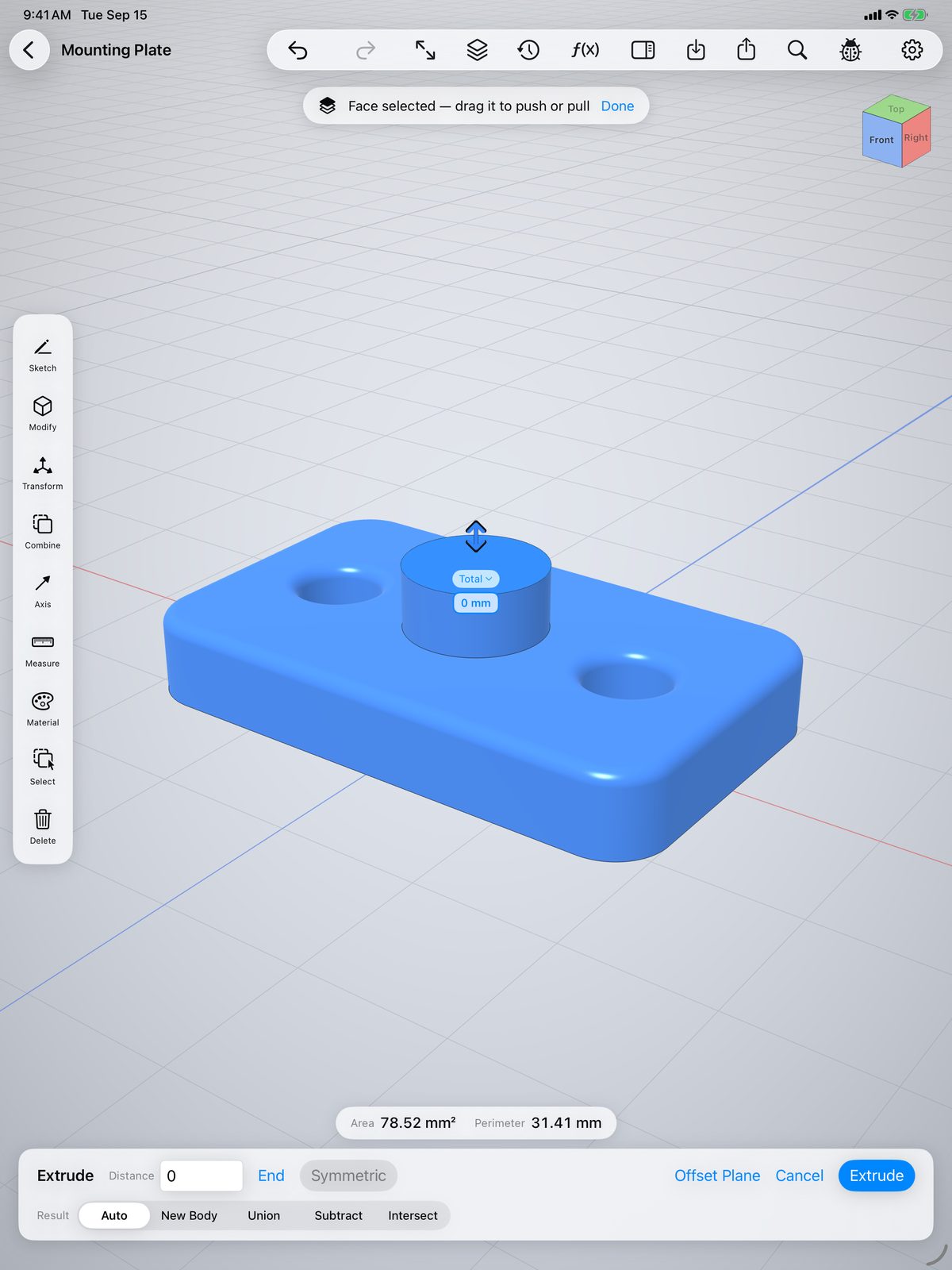
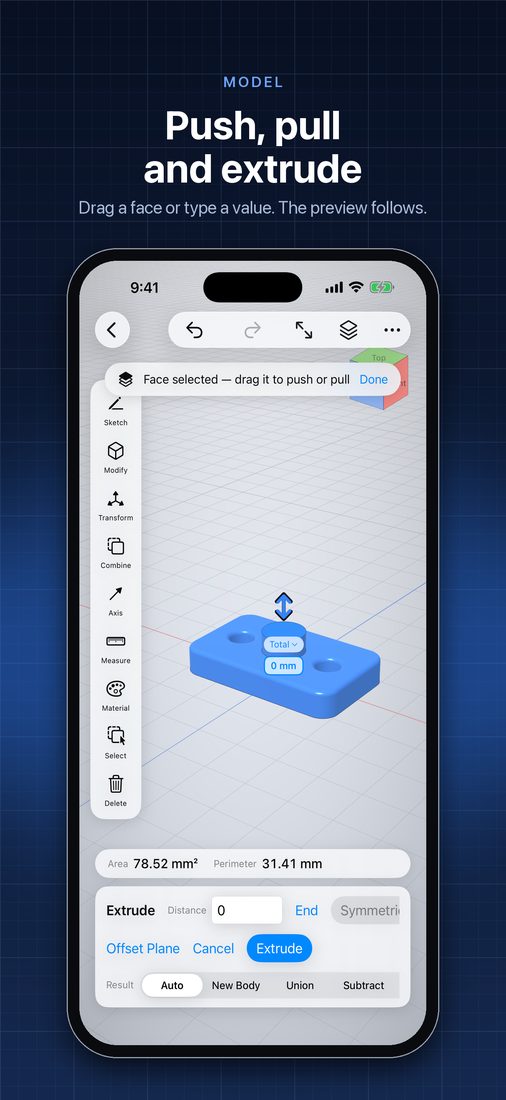
Tap a face and drag. Pull away to add material, push in to cut — the booleans happen for you. Type an exact distance any time, extrude symmetrically, and watch the preview follow your finger.
Parametric
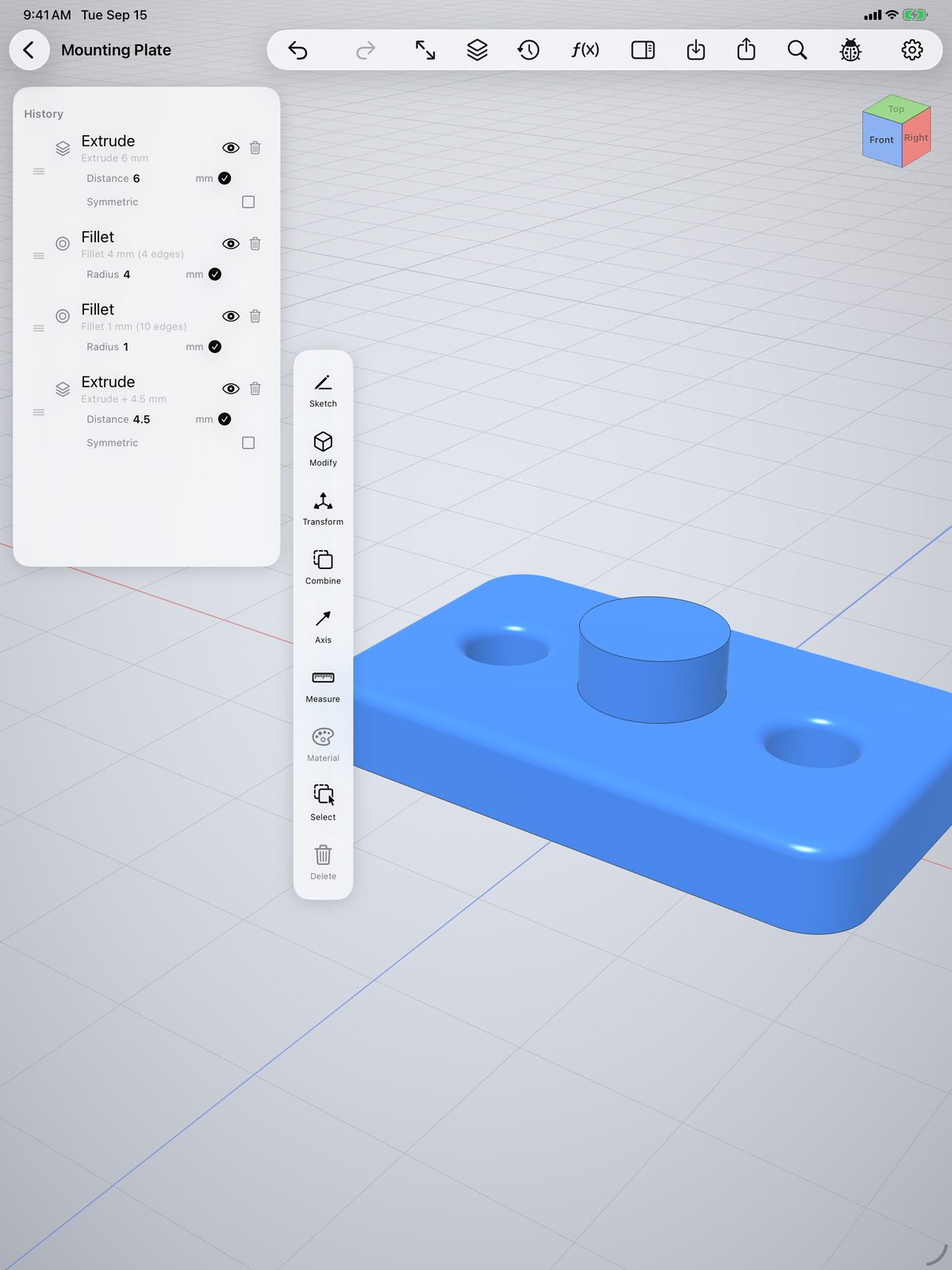
Each extrude, fillet and pattern is recorded in the history. Change a radius from 4 mm to 2 mm and everything after it rebuilds — no starting over when the design changes.
Shape
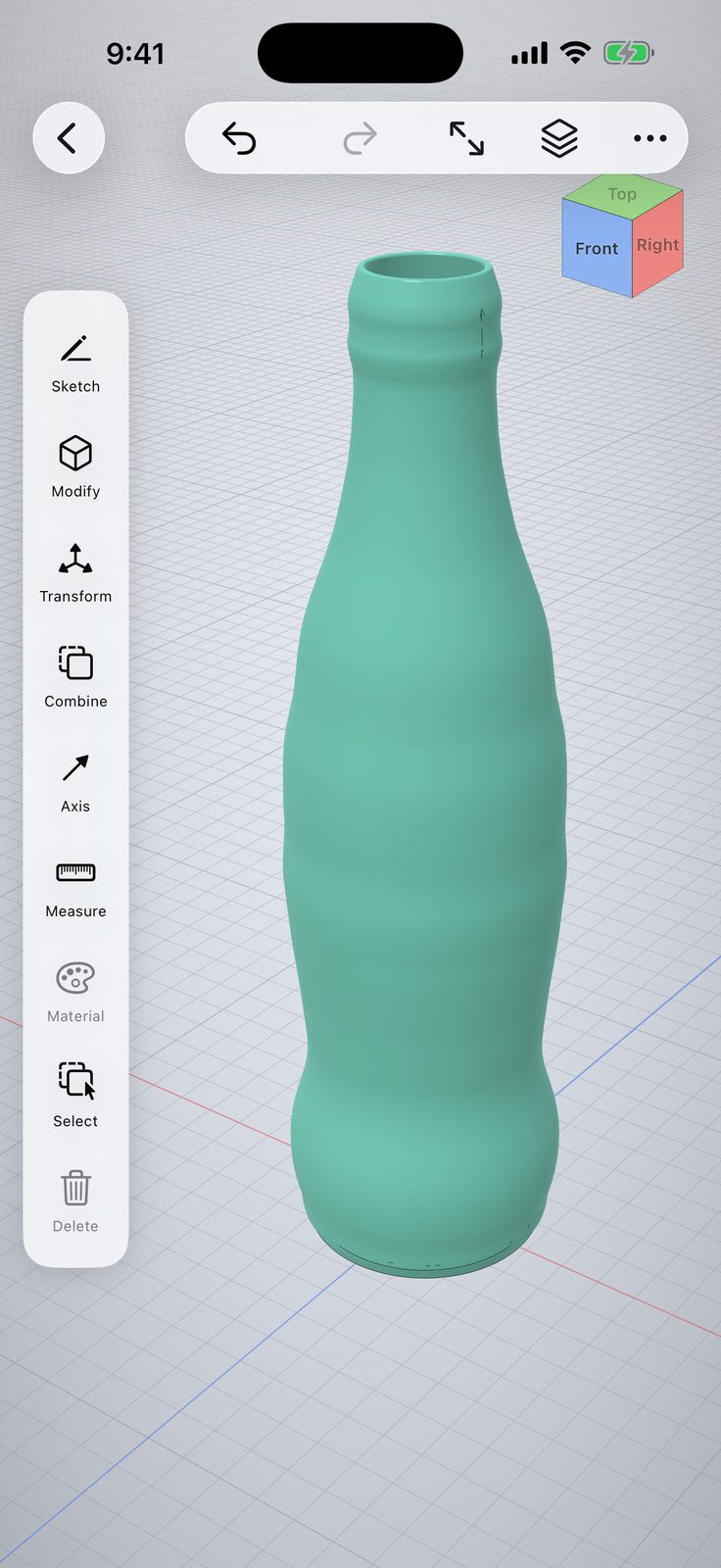
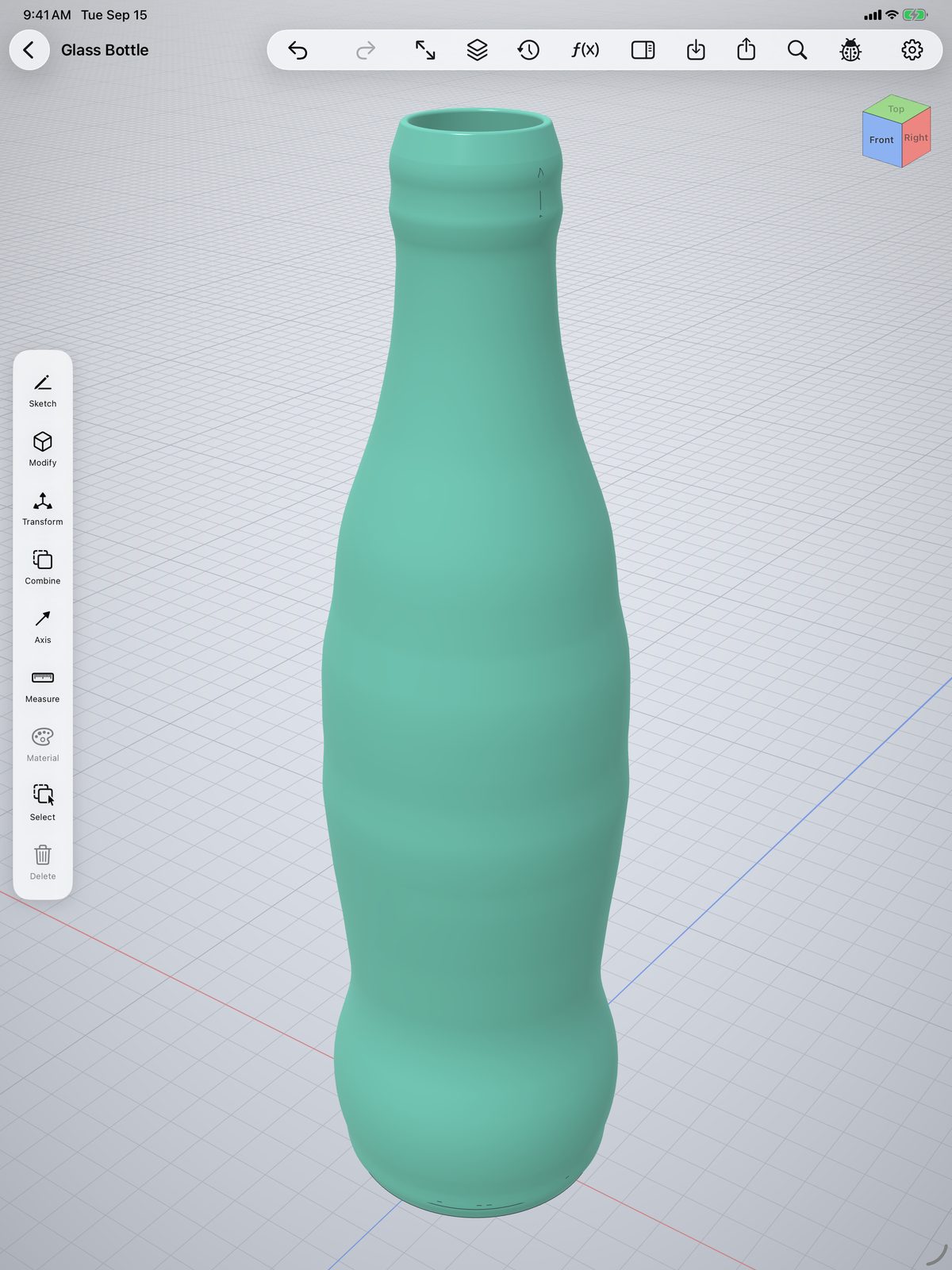
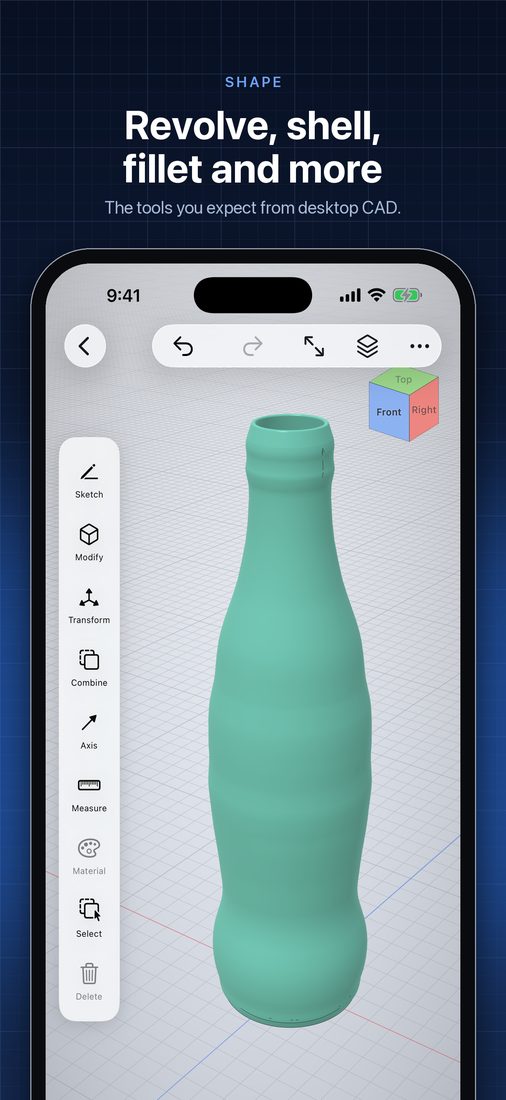
Revolve a half-profile into a bottle, shell it hollow, round the lip. Sweep, loft, helix, chamfer, split and linear or circular patterns — the tools you expect from desktop CAD, on exact B-rep geometry.
Open
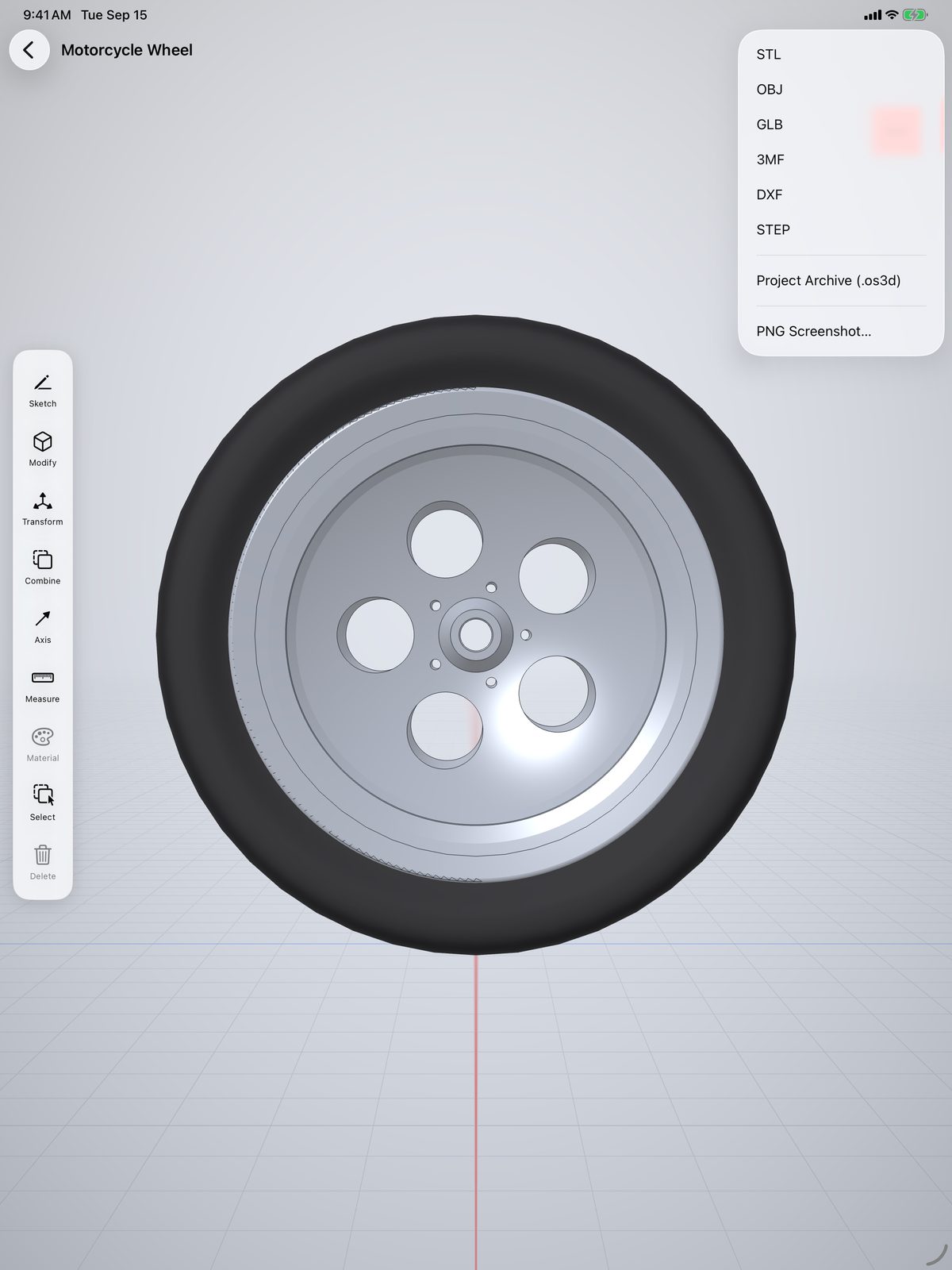
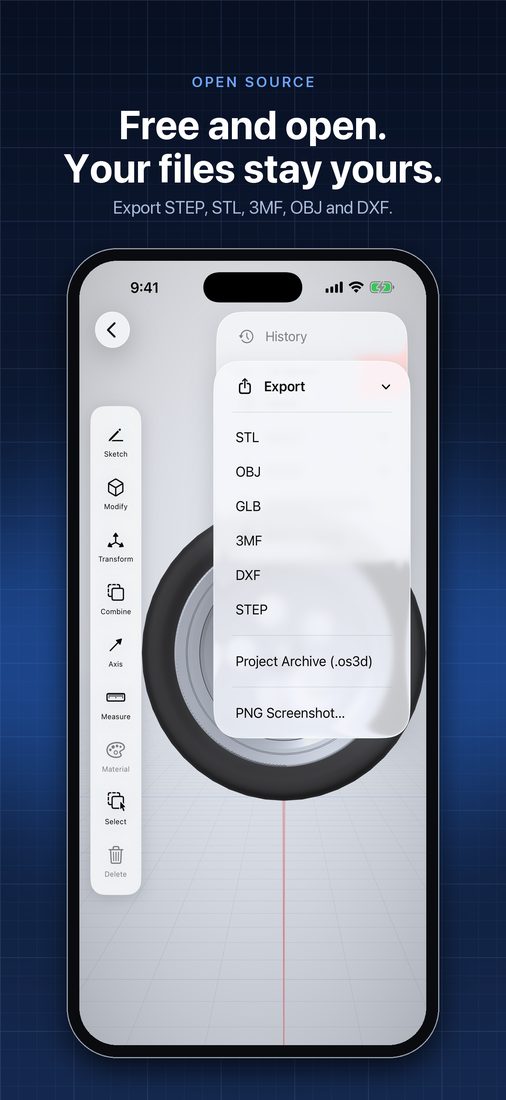
Export STL, OBJ, 3MF, GLB, USDZ and sketch DXF, preview in AR, or save a project archive anyone can open. No account, no subscription, no cloud lock-in.
Mac
The same app runs on Apple silicon Macs, with mouse, trackpad and keyboard shortcuts — and the same project files, so a part started on iPad finishes at your desk.
Video tutorials
38 free tutorials on YouTube — from your first part to threaded bolts, gears and print-in-place hinges.
Sample files
Download a project with its full feature history and change any of it, or grab the STL and print it. Tap a model to spin it in 3D.
A small bracket with two through-holes, a raised boss and rounded edges. The classic first part — and a quick, clean print.
A cam plate with a bore, from one sketch and one extrude — the shortest history of the four, and the easiest to start editing.
One half-profile revolved into a bottle, shelled hollow through the neck, with filleted lip and base.
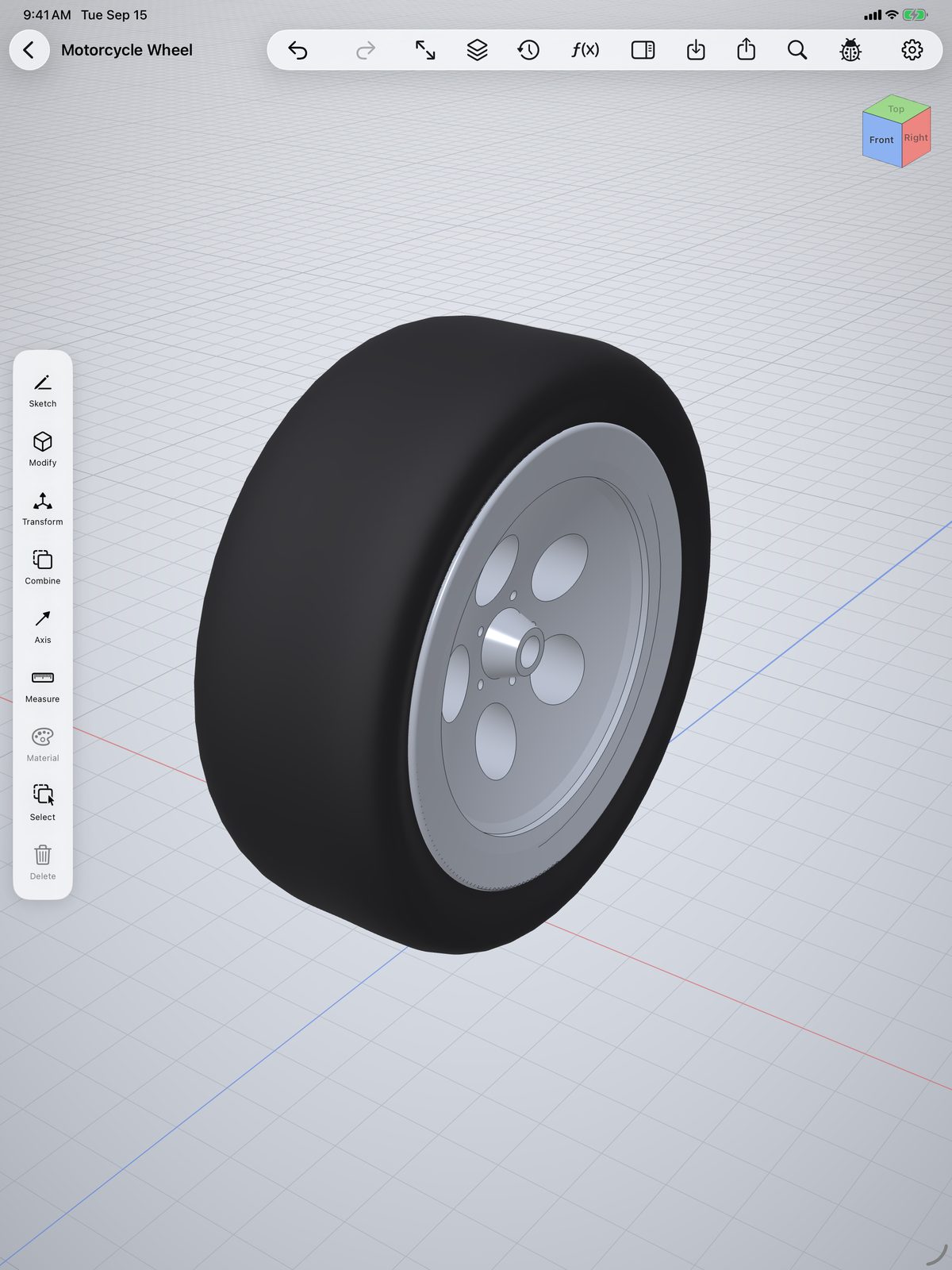
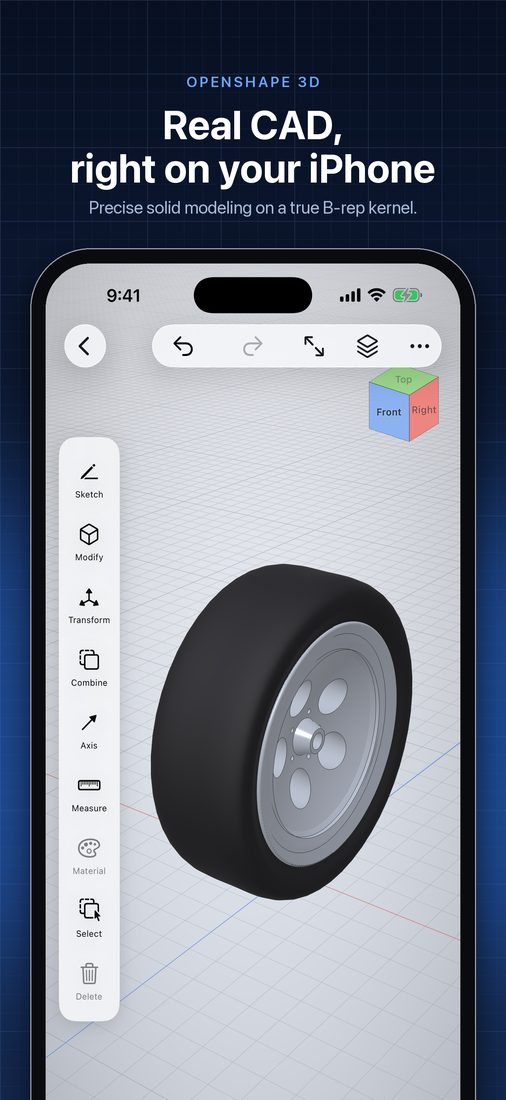
A two-body assembly — tire and rim — built from revolves, tapered extrudes, circular patterns, a mirror and booleans.
A real 2D variational solver — coincident, tangent, symmetric, driving dimensions with inline math, live DOF feedback.
Powered by the OpenCASCADE geometry kernel — the same class of engine behind desktop CAD.
Bring in STL and DXF. Send out STL, OBJ, 3MF, GLB, USDZ and DXF — or open your model in AR Quick Look.
Union, subtract and intersect between bodies — plus automatic booleans on every push/pull.
Take any sketch profile along an axis, a spine, ordered sections, or a helical path.
Move, rotate, scale, mirror, translate and align with snapping — or type exact values.
Clip the model live against any plane with a draggable cut, or isolate just the selection.
Steel, aluminum, brass, plastics, rubber, wood — or custom color with metallic and roughness sliders.
Face area, body volume, bounding box and point-to-point distance, straight from the model.
The full toolset runs on iPhone too — same kernel, same renderer, same models.
OpenShape3D is built in the open — SwiftUI, a custom Metal renderer, a pure-Swift constraint solver, and the OpenCASCADE B-rep kernel with the Euclid mesh library alongside it. Read the code, file issues, or contribute a feature.